
For every kind of dog
Use a front-facing or full-body photo so the generated portrait can preserve your dog's recognizable features.
Dog portraits
Give your dog's photo a finished portrait setting without learning image-editing software. Choose a look that fits your dog's personality, then upload a clear reference photo.
Choose a look
Upload a clear photo of your pet after choosing the scene that fits the moment.
Simple workflow
Use a front-facing or full-body photo so the generated portrait can preserve your dog's recognizable features.
Each template supplies the composition, lighting, props, and mood for the finished image.
Create an image for a profile picture, a gift, a holiday card, or your own gallery.
One dog photo
For an AI dog portrait, a chest-up photo with a clear face is usually a stronger reference than a distant full-body shot where the face is tiny.
Use one well-lit photo with both eyes visible when possible. A relaxed front-facing or three-quarter pose helps show the muzzle, ears, coat, and markings.
Puppy photos, full-body photos, and gentle side profiles can work if the face remains clear and is not hidden by motion or shadow.
Dark photos of black-coated dogs, fast-running shots, images where the eyes are covered by hair, or heavy costumes that hide the dog's usual features.
Photo choices
A good dog portrait starts with a photo that clearly shows the features you would recognize first: the eyes, muzzle, ear shape, coat color, and distinctive patches. Natural light near a window or outdoors in soft daylight often makes those details easier to see.
A full-body photo can be useful for a scene with a larger pose, but it is not automatically the best option. If the dog is far from the camera, choose a closer everyday photo where the face is clear instead. For long-haired or dark-coated dogs, avoid a dark background that blends into the coat.
Dog portrait ideas
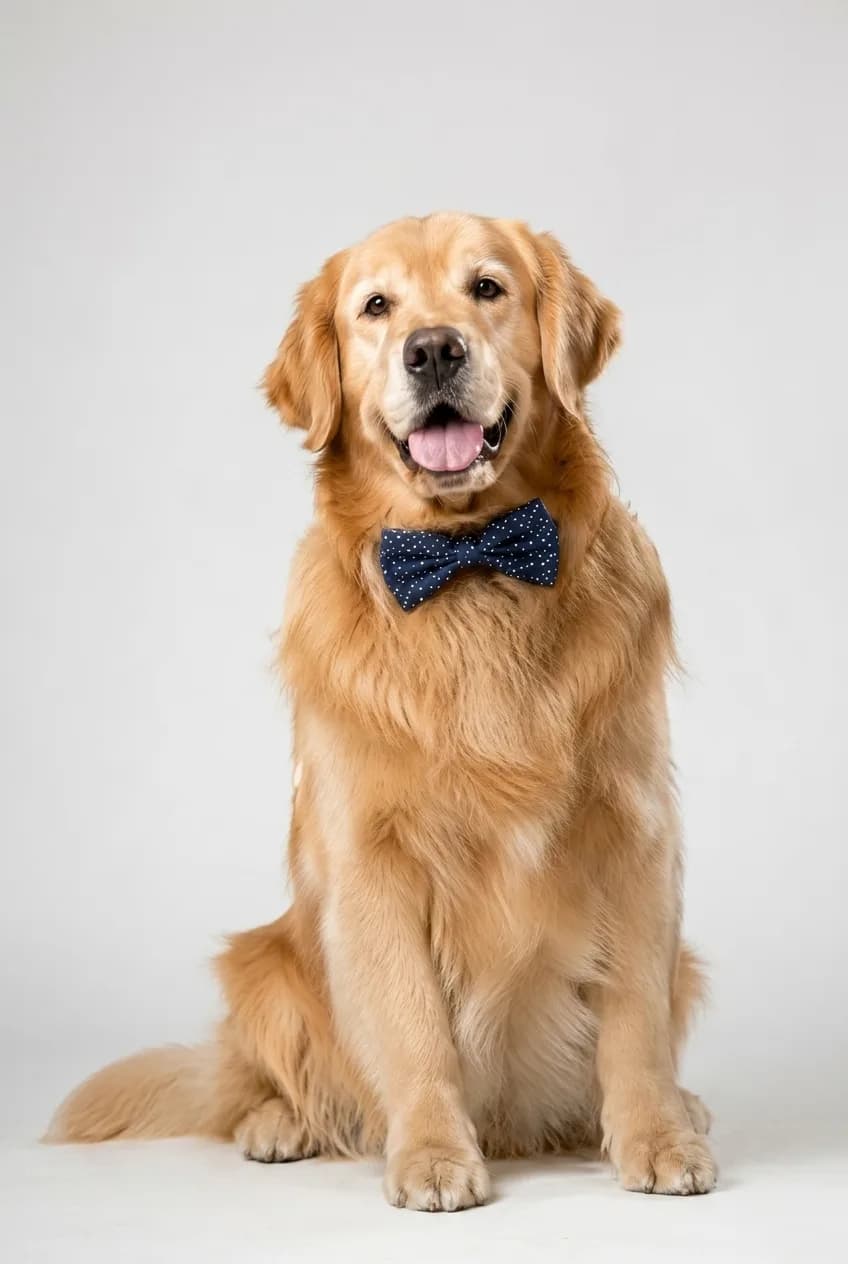
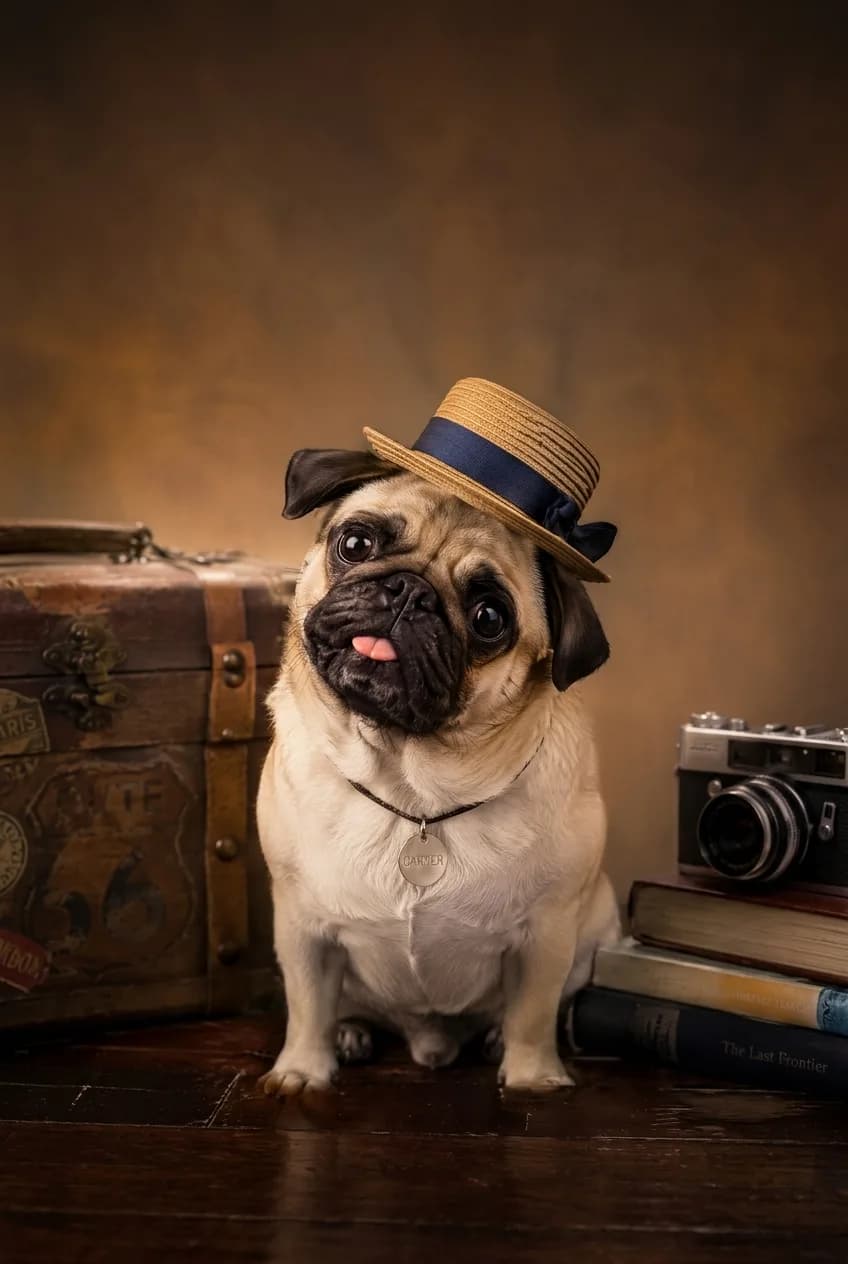
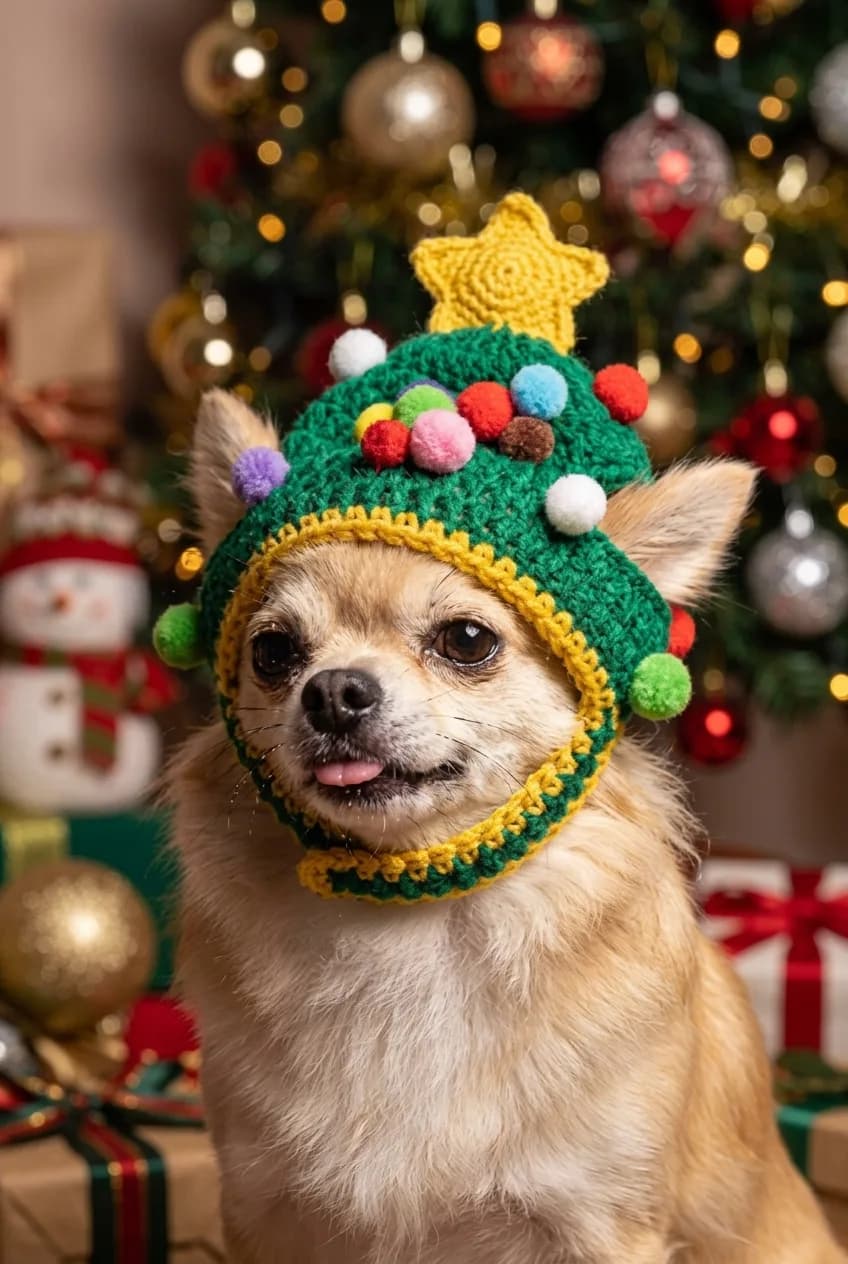
A finished scene helps turn a casual dog photo into a specific kind of portrait. A bow-tie or classic composition suits a more formal keepsake, while a travel scene gives the image a story and a festive scene works for a holiday message.
Choose based on the final use rather than a generic style name. A personal gift may call for a composed portrait; an everyday post can suit something playful; and a seasonal card benefits from a holiday setting that is already built into the template.
Set expectations
The selected template controls the surroundings and styling. Your one photo supplies the details the generation is designed to reference, so a simple everyday photo generally gives a clearer starting point than a picture with a costume, sunglasses, or a heavy filter.
If your dog's eyes, muzzle, or a characteristic patch are important to you, make sure they are visible before you upload. This helps the generated dog portrait begin with more of the visual information that makes your dog recognizable.
Yes. A clear puppy photo can be used as the identity reference, although results depend on the angle and lighting.
The workflow is designed to reference breed, coat color, fur pattern, face shape, and distinctive markings from your photo.
A sharp photo with the eyes visible and minimal obstruction usually gives the best starting point.
Not always. A closer photo is often the better choice when it shows your dog's face and features more clearly.
Yes. Use good lighting and a background that does not hide the face, eyes, or coat outline.
Explore more
Compare related portrait themes before choosing a template.