Preserve distinctive features
Use a photo where your cat's eyes, ear shape, fur pattern, and face markings are visible.
Cat portraits
Turn a favorite cat photo into a polished portrait with a clear visual concept. Choose a template for a playful, cozy, festive, or imaginative result.
Choose a look
Upload a clear photo of your pet after choosing the scene that fits the moment.
Simple workflow
Use a photo where your cat's eyes, ear shape, fur pattern, and face markings are visible.
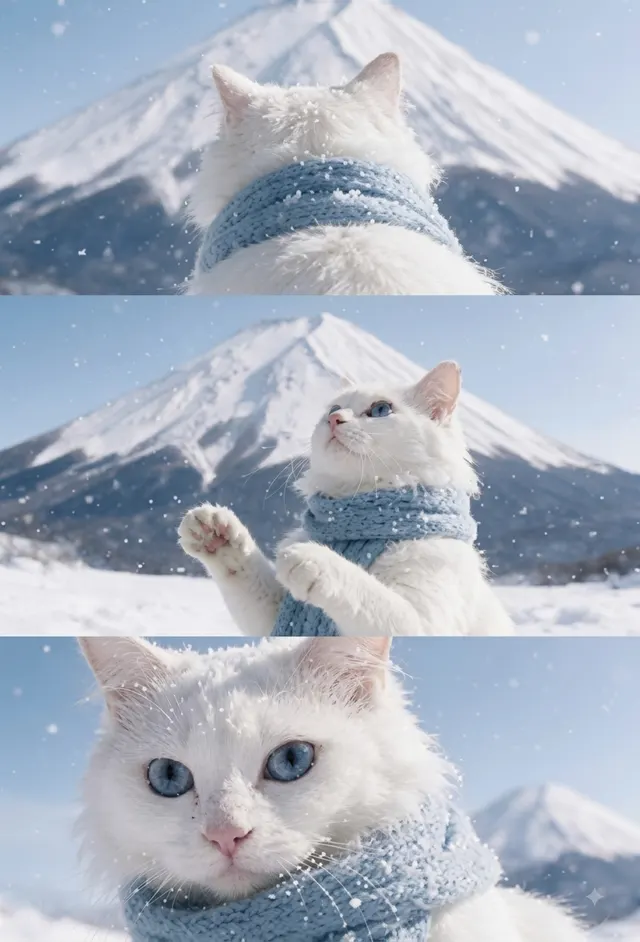
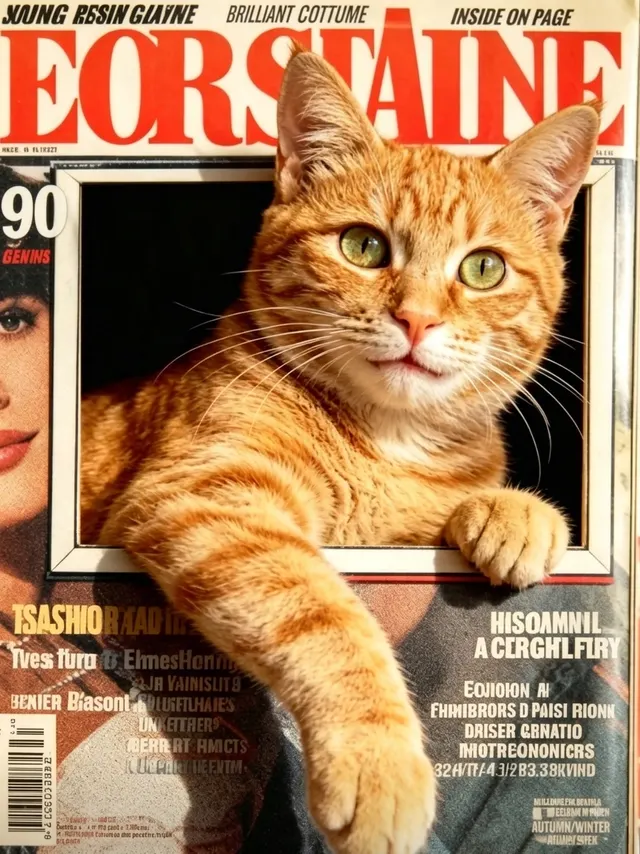
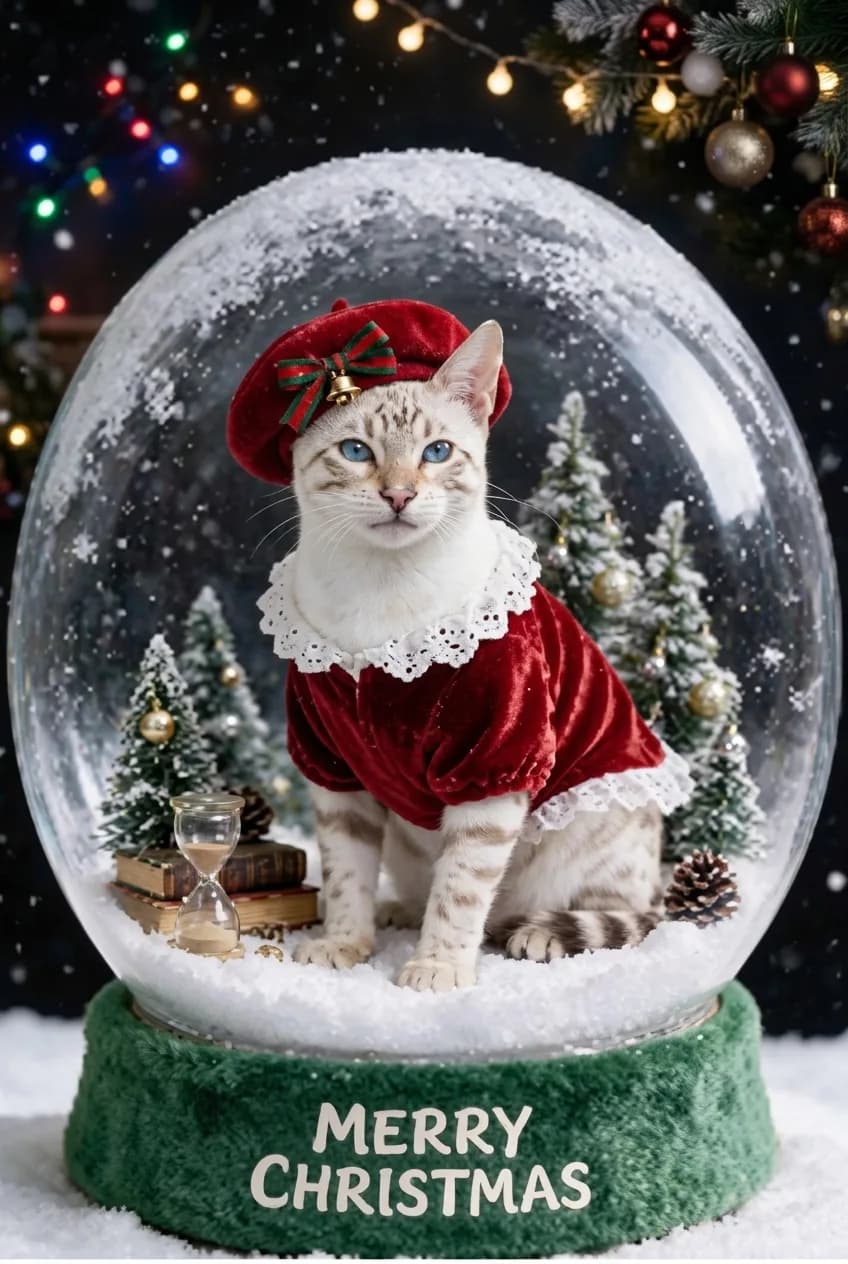
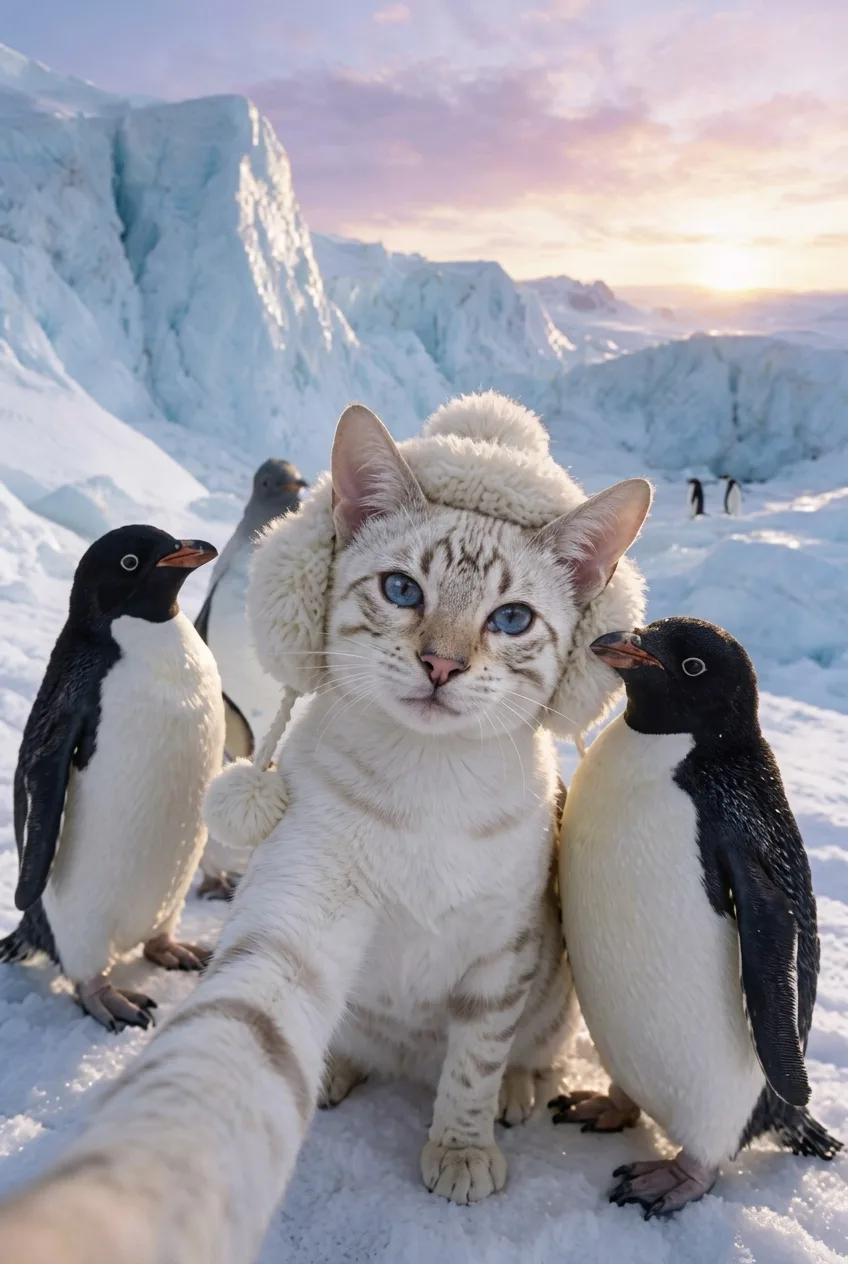
Choose from winter landscapes, magazine-inspired compositions, holiday scenes, and playful settings.
The template provides the visual direction. You only need to select a scene and upload a photo.
One cat photo
A clear cat photo gives an AI cat portrait more information to reference. The best choice is often a calm, close photo rather than a distant picture taken in a dark room.
Choose one naturally lit photo where both eyes, the ear shape, nose bridge, and facial markings are visible.
A seated full-body photo or side profile can work when the face is not too small and the coat pattern remains visible.
Very dark photos of black cats, flash glare in the eyes, a sleeping face, heavy filters, or pictures where furniture and shadow hide the cat.
Photo choices
Cats often have distinctive eyes, ear shapes, nose bridges, whisker patterns, and face markings. Choose a calm photo with those details visible rather than trying to capture every part of the body in one distant frame.
For a black cat or a long-haired cat, use a setting with enough contrast to separate the face and coat from the background. A bright window and a simple background are often more helpful than a dim room with busy furniture.
Choose a mood
A winter landscape, an editorial window scene, a Christmas snow globe, and a playful selfie all ask for different moods. The template provides that direction so you can start from a finished composition instead of a blank prompt.
Pick a scene that matches where you plan to share the image. A polished editorial style works well for a composed keepsake, while a festive or playful scene is a natural fit for a seasonal message or personal post.
Set expectations
The template can introduce new surroundings, styling, props, and lighting. The one photo is what the generation uses as a reference for your cat's visible appearance, so an unobstructed face is more useful than a carefully staged but hidden one.
You do not need to dress your cat for the final scene. A clear everyday photo normally gives the selected template a more straightforward reference for fur pattern and facial features.
Yes. Clear lighting and a visible face help the system reference long fur and distinctive markings more accurately.
Yes. Choose one of the festive templates and upload a clear photo of your cat.
No. Your generated images are associated with your account and shown in your private gallery.
Choose a calm, well-lit photo where the eyes, ears, face, and distinctive coat markings are visible.
No. A clear everyday photo is usually the better reference; the template provides the festive setting.
Explore more
Compare related portrait themes before choosing a template.