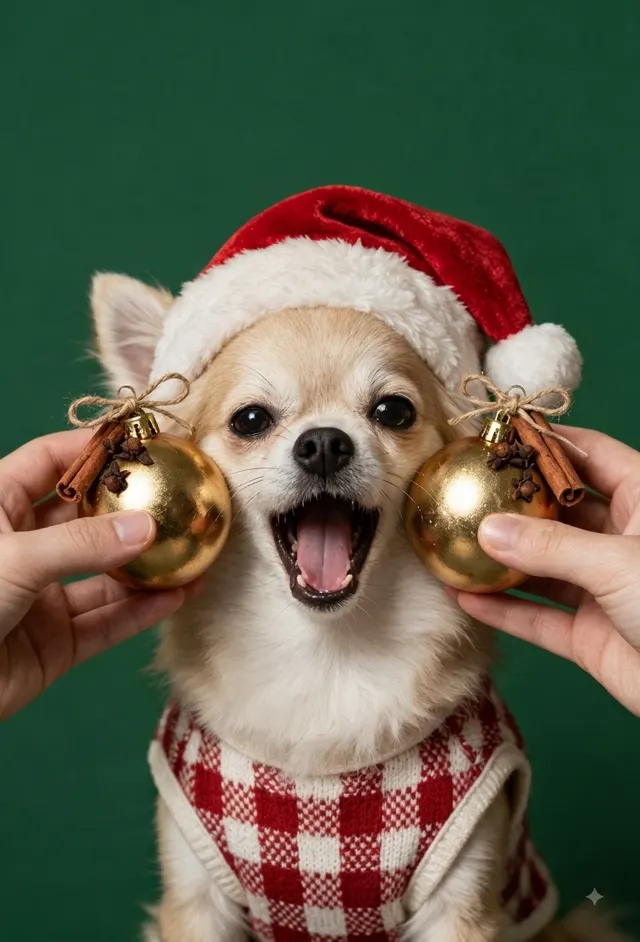
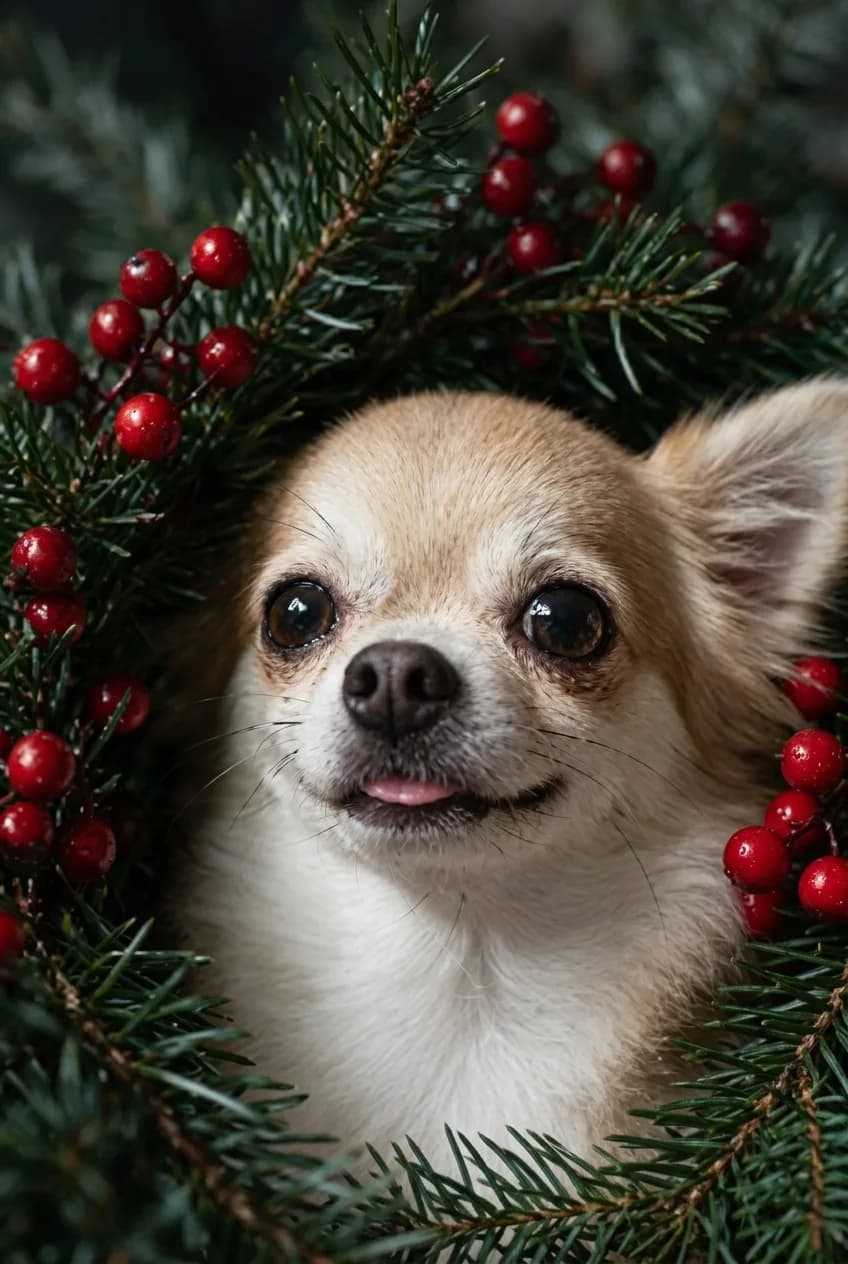
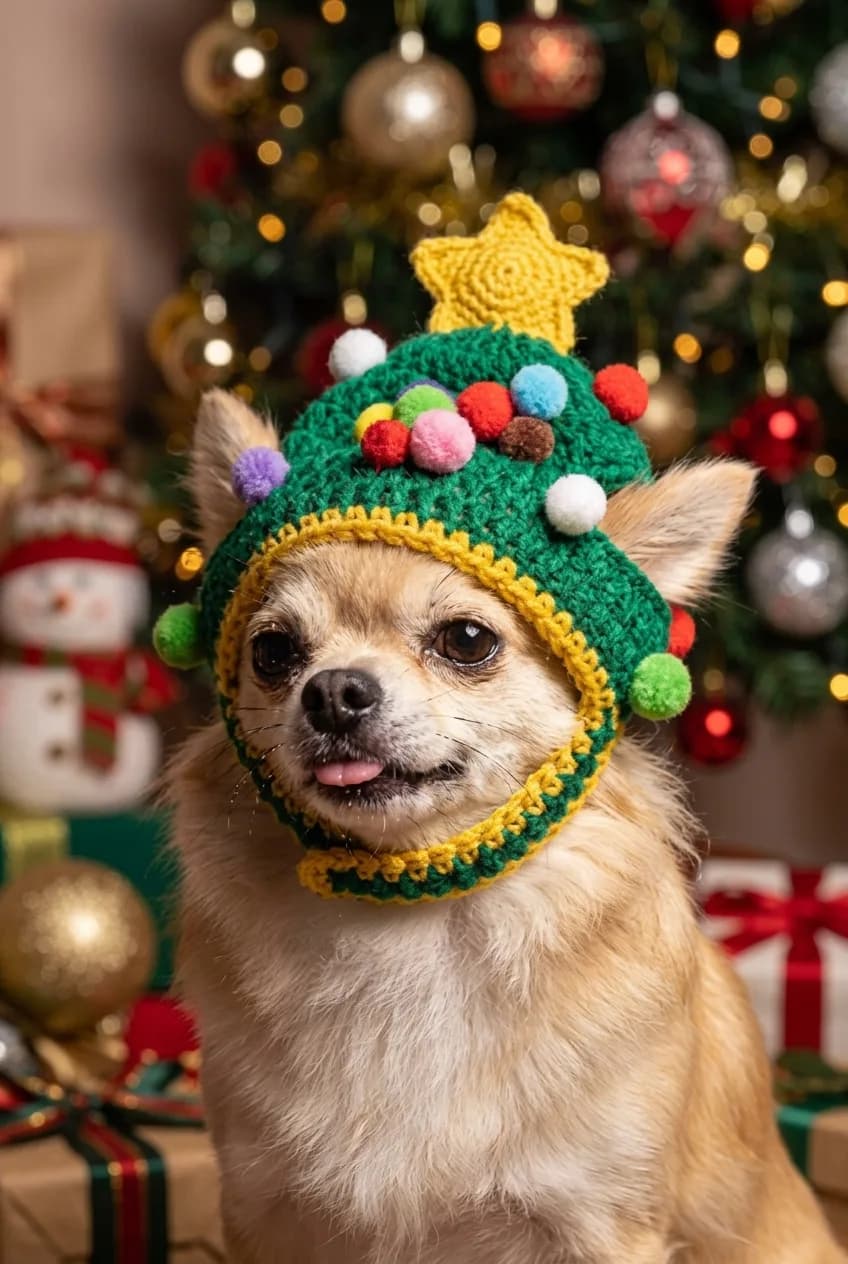
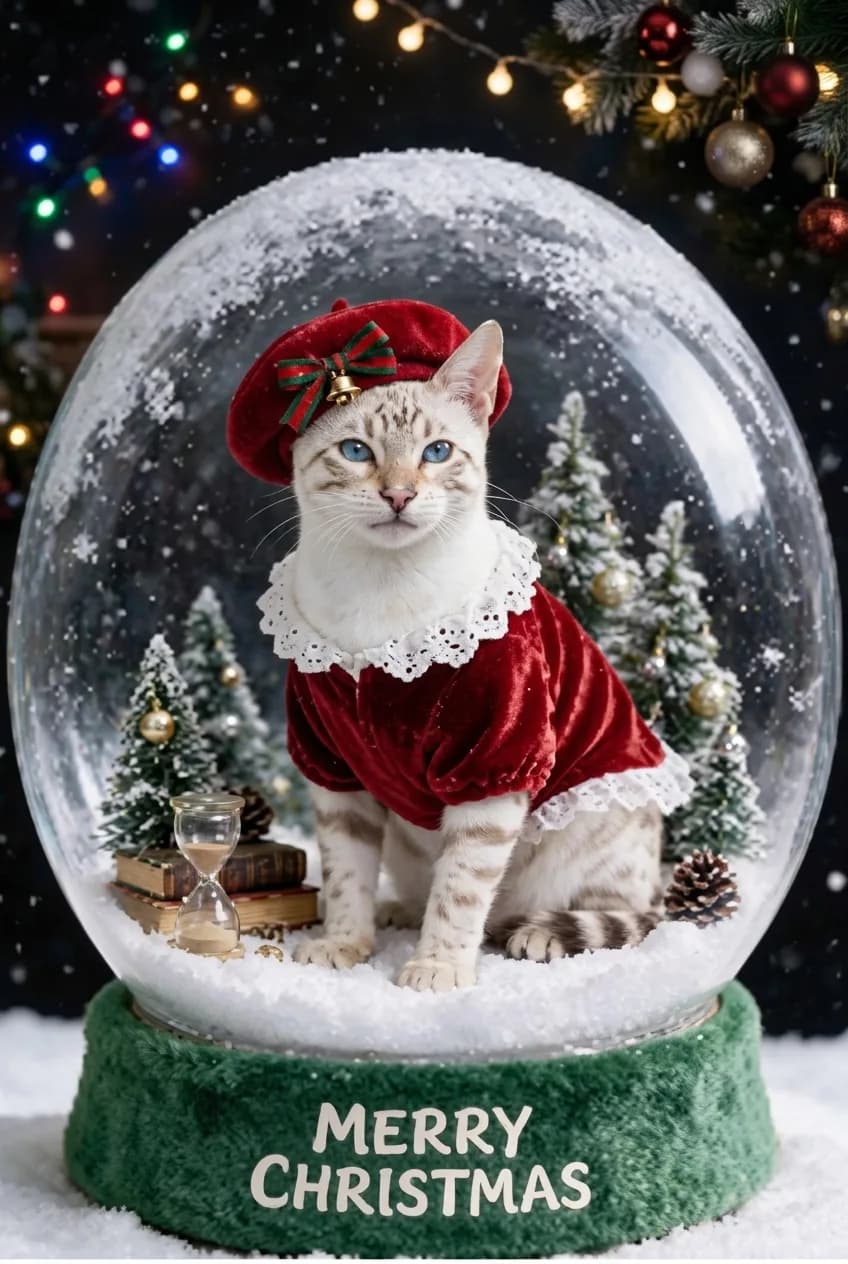
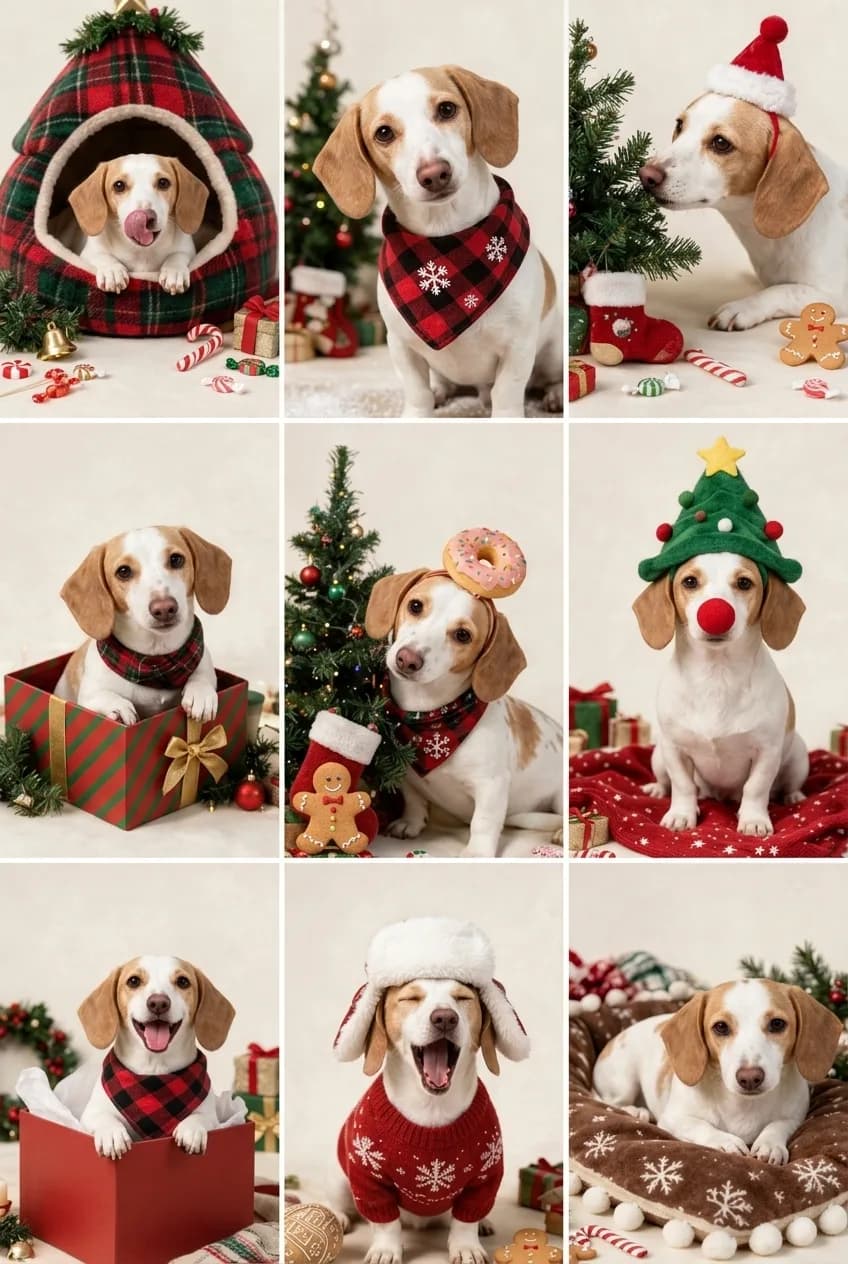
Holiday-ready compositions
Start with Christmas trees, ornaments, winter props, warm colors, and finished portrait layouts.
Holiday pet portraits
Make your dog or cat part of the holiday season with a festive portrait scene. Choose a Christmas template, upload a clear photo, and create a shareable keepsake.
Choose a look
Upload a clear photo of your pet after choosing the scene that fits the moment.
Simple workflow
Start with Christmas trees, ornaments, winter props, warm colors, and finished portrait layouts.
Create a seasonal image for a holiday card, social post, framed print, or gift for a pet lover.
A clear portrait photo gives the template a reference for your pet's identity and markings.
Holiday photo guide
Your pet does not need to wear a Christmas costume in the uploaded photo. One clear everyday photo is usually the easiest reference for a holiday portrait template.
Choose one clear photo of one dog or cat with the face, eyes, coat color, and markings visible in natural or even light.
A full-body photo or a gentle side profile can work when the pet is easy to recognize and the face is not hidden.
Costumes that cover the face, dark photos, busy group shots, motion blur, or a holiday filter that changes the pet's visible features.
Holiday ideas
Christmas scenes work best when the seasonal details are provided by the template rather than forced into the source photo. Ornament, snow globe, tree, evergreen, and winter scenes give a clear setting for a dog or cat portrait without requiring you to stage a photo at home.
Choose a more graphic, framed composition for a card or gift, or choose a lighter playful scene for a message or personal post. Each option starts from the same simple input: one clear photo of your pet.
Photo choices
A Christmas pet portrait can include winter props and festive color, but it still needs a useful reference for the pet. Make the eyes, face, and coat pattern visible in the original image whenever possible.
Avoid photographing through a dark room or covering the face with a Santa hat before upload. The template can create the holiday atmosphere; a straightforward day-to-day photo gives it clearer pet details to work from.
After generation
After a successful generation, the finished image is saved to your private gallery and can be downloaded. Use your downloaded portrait in a personal holiday message, a card you make yourself, or a gift for a pet lover.
Choose the scene before generating so the composition fits the way you plan to use it. PetPic Studio provides a digital portrait; it does not promise printing, shipping, or a physical card.
Yes. Choose a holiday template that fits your pet and upload a clear reference image.
The generated image can be downloaded from your gallery and used according to your intended personal use.
No. A clear everyday photo is usually a better identity reference than a heavily obstructed costume photo.
No. Use one clear everyday photo and let the holiday template provide the festive details.
Yes. Successful generations are saved to your private gallery and can be downloaded.
Explore more
Compare related portrait themes before choosing a template.