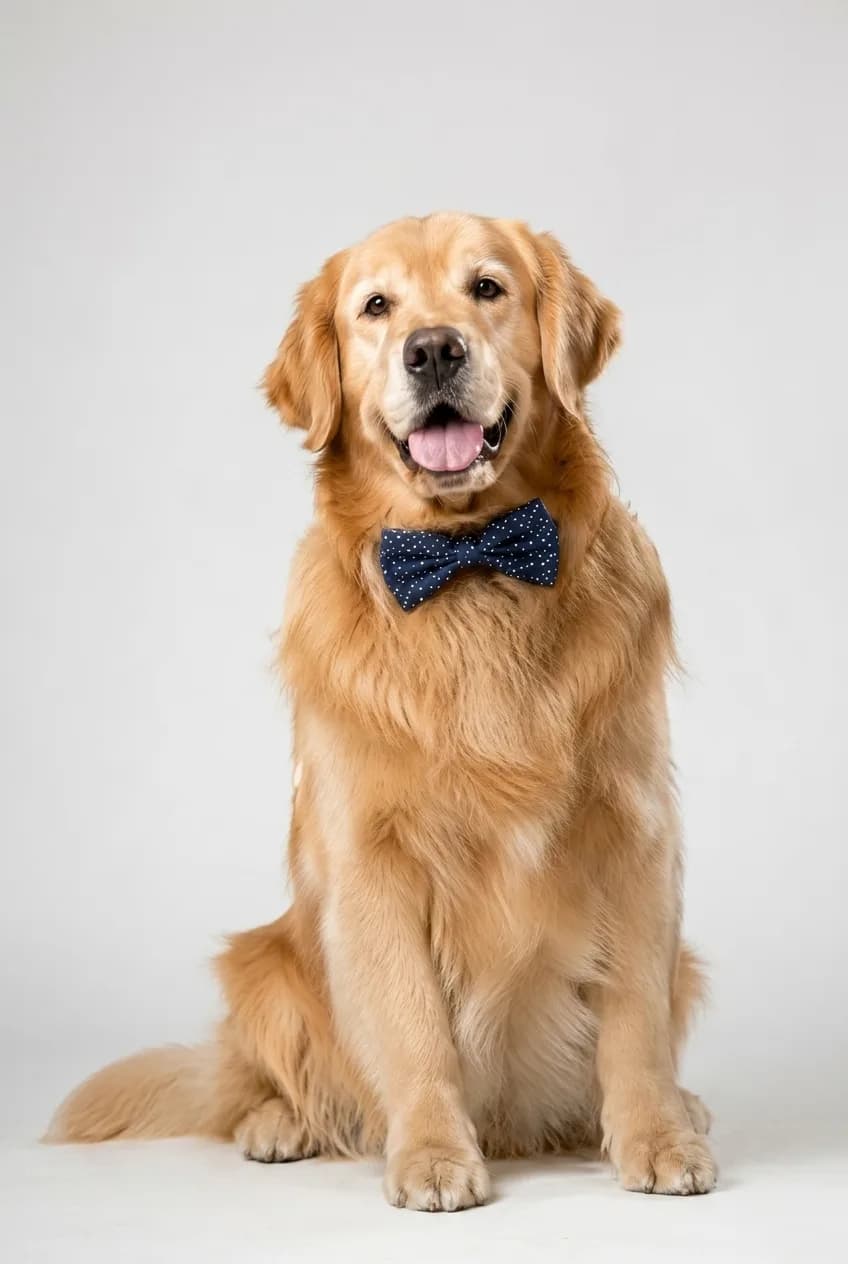
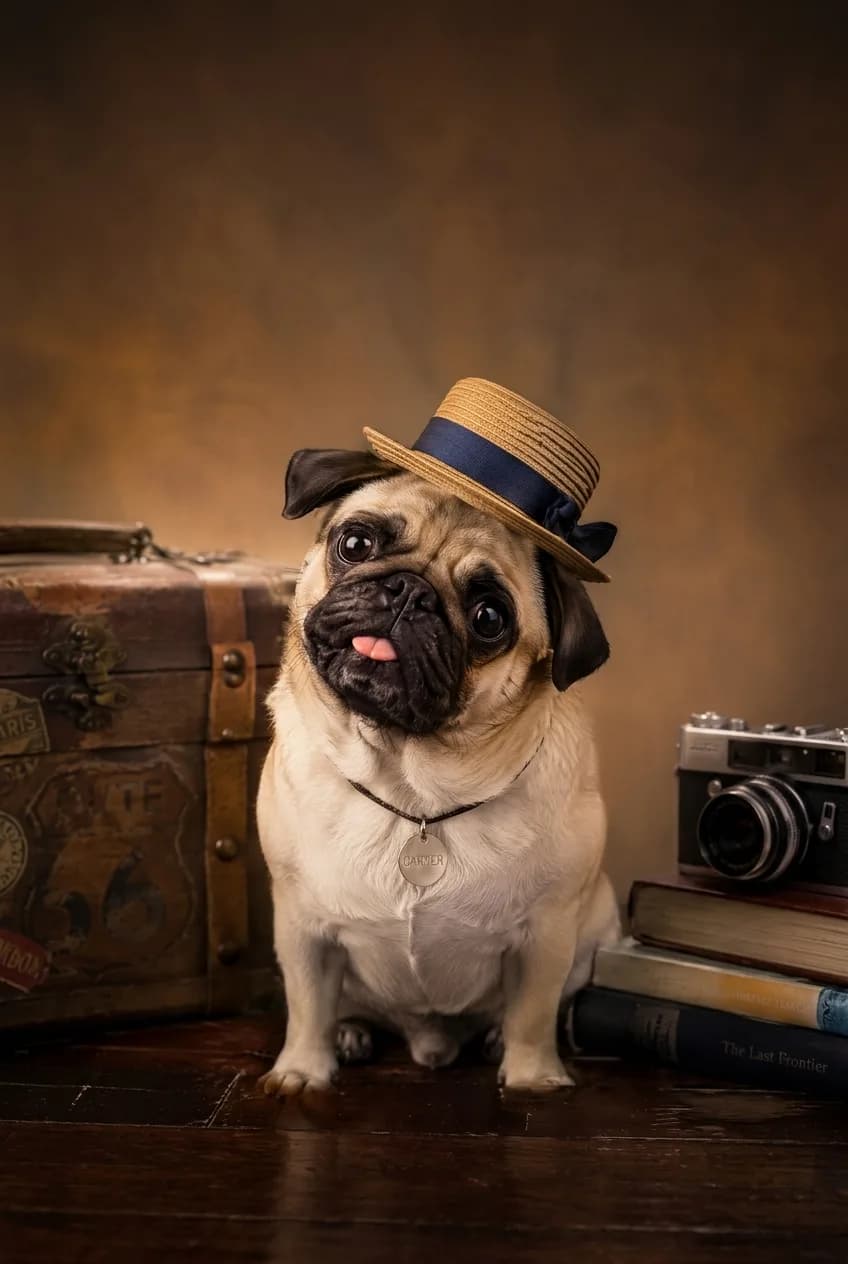
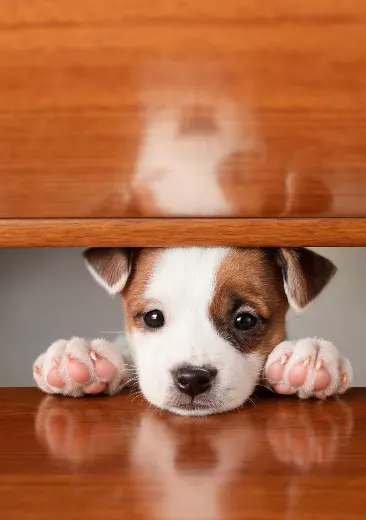
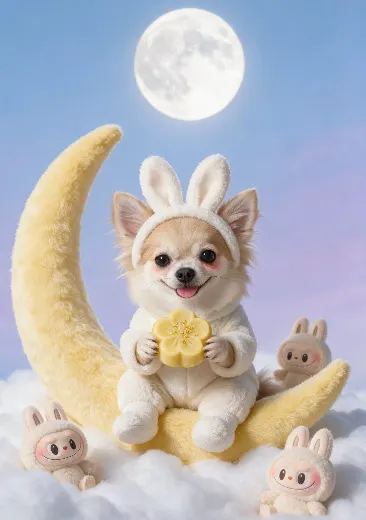
Choose a finished scene
Start with a complete visual composition instead of writing a long prompt from scratch.
AI pet portraits
PetPic Studio transforms a clear photo of your dog or cat into a finished portrait built around a scene you choose. Start with a template, upload one photo, and save the result to your private gallery.
Choose a look
Upload a clear photo of your pet after choosing the scene that fits the moment.
Simple workflow
Start with a complete visual composition instead of writing a long prompt from scratch.
The workflow uses your uploaded photo as the identity reference for fur, face shape, markings, and proportions.
Pick a template, upload a clear image, and generate a portrait that is saved to your account.
One photo is enough
PetPic Studio uses one uploaded photo as the visual reference for an AI pet portrait. A natural photo gives the template more useful detail than a heavily edited image.
Choose a well-lit, front-facing or three-quarter photo where the face, eyes, coat color, and distinctive markings are visible.
A side profile, full-body photo, puppy, kitten, or older photo can work when the pet's face is large enough to recognize.
Photos with several pets, a tiny face, motion blur, very dark lighting, heavy filters, or clothing that covers the eyes and face.
How it works
Start by choosing a finished scene instead of writing a long image prompt. Each template already defines the composition, background, props, lighting, and overall mood for the final artwork.
Upload one clear photo of your dog or cat, then let the selected scene guide the finished look. Your photo is the reference for recognizable details such as face shape, coat color, ear shape, and markings; the template supplies the visual setting around them.
After a successful generation, the result is saved to the private gallery connected to your account. You can return there to review or download the portrait.
Choose a look
A formal portrait, a travel scene, a playful composition, and a seasonal card need different visual direction. Selecting a finished template first makes that decision concrete before you upload your photo.
Use a more composed scene when you want a keepsake or gift, a festive scene for a holiday message, or a playful scene for a profile image and personal sharing. The same pet photo can be used again with a different available template when you want another interpretation.
Before you generate
An AI pet portrait template is a creative setting, not a copy of the input photo. It can change the background, pose, wardrobe, props, lighting, and illustration treatment while using the uploaded image as an identity reference.
For the clearest starting point, use an everyday photo rather than one with a costume, sunglasses, or a strong social filter. If a key feature is hidden in the only uploaded photo, the result has less visual information to reference.
PetPic Studio is designed for common household pets, especially dogs and cats.
Use a sharp, well-lit photo where your pet's face and distinctive markings are easy to see.
Yes. Successful generations are saved to your private gallery and can be downloaded.
No. PetPic Studio is designed to start from one clear photo of one pet.
The template supplies the scene, lighting, props, and visual treatment. Your photo provides the pet details the generation is designed to reference.
Explore more
Compare related portrait themes before choosing a template.