AI video templates
Every trend you can star in. Pick one, add a photo, get your version in minutes.
 NewMake the same
 NewMake the same
 NewMake the same
 NewMake the same
 NewMake the same
 NewMake the same
 NewMake the same
 NewMake the same
 NewMake the same
 NewMake the same
 NewMake the same
 NewMake the same
 NewMake the same
 NewMake the same
 NewMake the same
 Make the same
 Make the same
 Make the same
 Make the same
 NewMake the same
 NewMake the same
 NewMake the same
 Make the same
 Make the same
The AI trend video guide
What people ask about putting themselves, their friends or their pets into viral videos with AI.
How to put yourself in a viral video with AI
All you need is a trend template and one clear photo per person. The AI copies the original moves, camera and cuts, and puts you in.
- 1Pick a trend
- 2Add one photo
- 3Get your video
How do I make an AI video of myself doing a TikTok trend?
Pick the trend in a template-based AI video app and upload a clear photo of yourself. The AI copies the original moves, camera and cuts with you in them. On FavsLab that takes one photo and a few minutes.
How are people making AI videos of themselves in viral videos?
They use apps that animate a photo along a reference clip, copying its motion, camera and timing. FavsLab works this way, with current TikTok trends ready as templates.
How do I turn a photo into an AI dance video?
Choose a dance template and upload a sharp, front-facing, waist-up photo. FavsLab turns it into an MP4 with sound in a few minutes.
Can AI make a video of me dancing without filming myself?
Yes. Photo-to-video AI needs only a still photo, and the dance comes from the template. You don't record anything.
How can I do a viral TikTok dance if I can't dance?
Let the AI dance for you: it puts you in the original clip with the exact moves. Post it with the trend's sound and an AI label.
Three ways AI makes trend videos
Choose by what you want: copy a specific trend, or make something new.
Template-based (motion transfer)
Follows a real trend clip frame by frame and puts you in it from a photo.
Best forJoining a specific viral trend with your own face, friends or pet.
LimitsOnly trends that exist as templates.
Prompt-based video generators
Creates a new video from a text description, sometimes with a photo.
Best forOriginal scenes and ideas you describe yourself.
LimitsDances and timing are approximate, and it often takes several tries.
Face-swap apps
Replaces the face in an existing video with yours.
Best forQuick face replacements in a clip you already have.
LimitsThe body, outfit and moves stay the original person's, and pets rarely work.
Can AI copy the exact moves from a dance video?
Yes. Motion-transfer AI follows a reference video frame by frame, so the moves, timing and cuts match the original. Prompt-based tools only approximate a dance you describe.
What is the best AI dance video generator?
To copy a viral dance with your own face, use a template-based tool. For original dances you describe, use a prompt-based generator. FavsLab does the first.
AI trend videos with friends or your pet
Groups need one photo per person. Pets need a template made for animals.
How can I make an AI video with my friends from photos?
Use a group template that takes one photo per person, so everyone gets their own spot. On FavsLab, group trends take up to 3 photos.
What are easy TikTok trends to do with friends?
Trends made for 2 or 3 people: synchronized walk-ins, line-up dances and group reactions. AI lets friends join from a photo when you can't film together.
How do I put my cat or dog in a TikTok trend with AI?
Use a pet template and a clear, front-facing photo of one animal. Face-swap tools built for humans usually fail on pets.
What are good TikTok trends to do with my cat or dog?
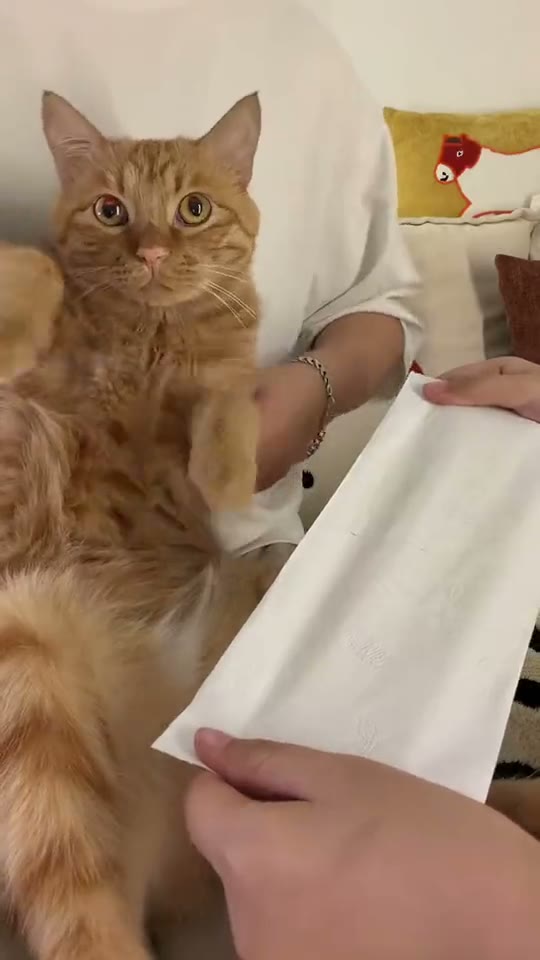
Pet versions of famous memes and human dances, because the contrast is funny. AI saves you from getting a pet to perform on camera.
Is it okay to post AI videos of my friends?
Only with their permission. Never use photos of children, celebrities or strangers, and take the video down if someone asks.
How to choose an AI video app for trends
The trend you saw, your own face, no watermark and no surprise subscription.
What's the best AI app for putting yourself in TikTok trends?
Look for the trend as a ready template, a face that still looks like you, and no watermark. FavsLab is built for this: $4.99 per video, no subscription, no watermark, refunded if it fails.
Is there an AI app that turns one photo into a trending video?
Yes. Template-based apps turn one photo into your version of a trending clip. On FavsLab it's one photo per person and a few minutes.
Is there an AI video app without a subscription?
Yes. Some apps sell single videos instead of monthly plans. FavsLab charges $4.99 per video, with cheaper packs that never expire.
Which AI video generators don't add a watermark?
Many tools watermark free exports. FavsLab never adds one: every video is a clean MP4.
Can I make AI trend videos on my phone?
Yes. FavsLab runs in your phone's browser: take a selfie, pick a trend and download the MP4.
Can I post AI trend videos on Instagram Reels and YouTube Shorts?
Yes. Upload the MP4 like any other video. Most FavsLab videos are vertical 9:16 with sound.
How much does it cost to make an AI dance video?
Free tiers usually add a watermark, and others charge a subscription or credits. FavsLab is $4.99 per video with no subscription, refunded if it fails.
AI trend video ideas
Remix what people already know, with you, your friends or your pet in the lead.
What AI video trends are popular on TikTok right now?
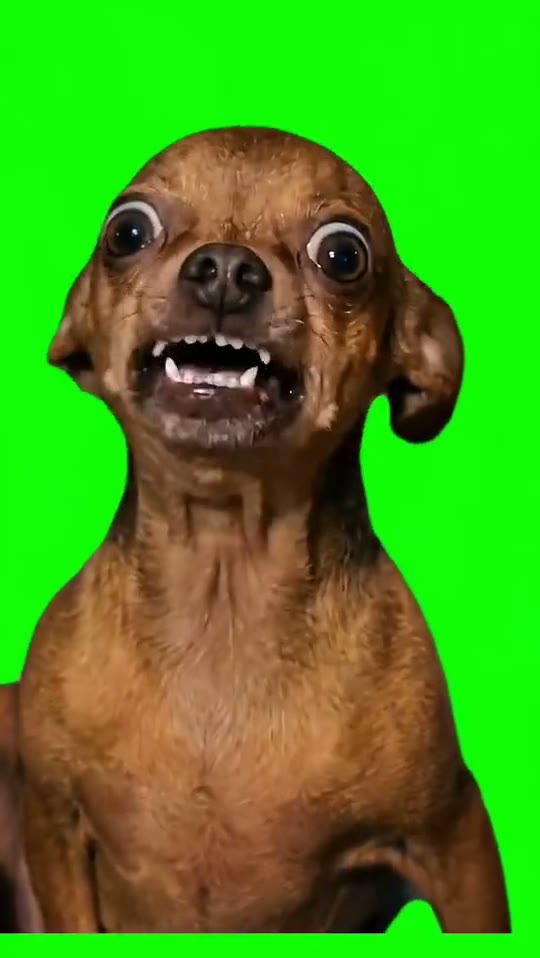
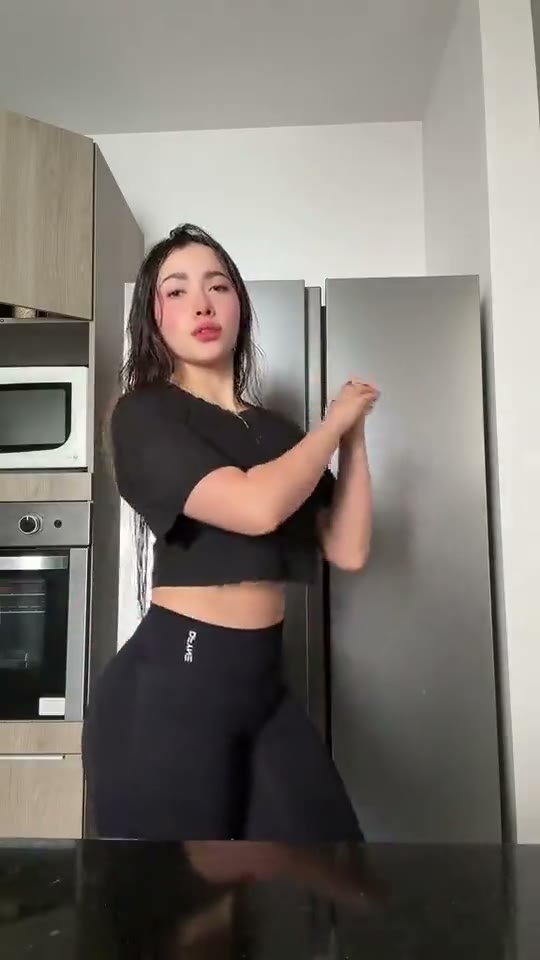
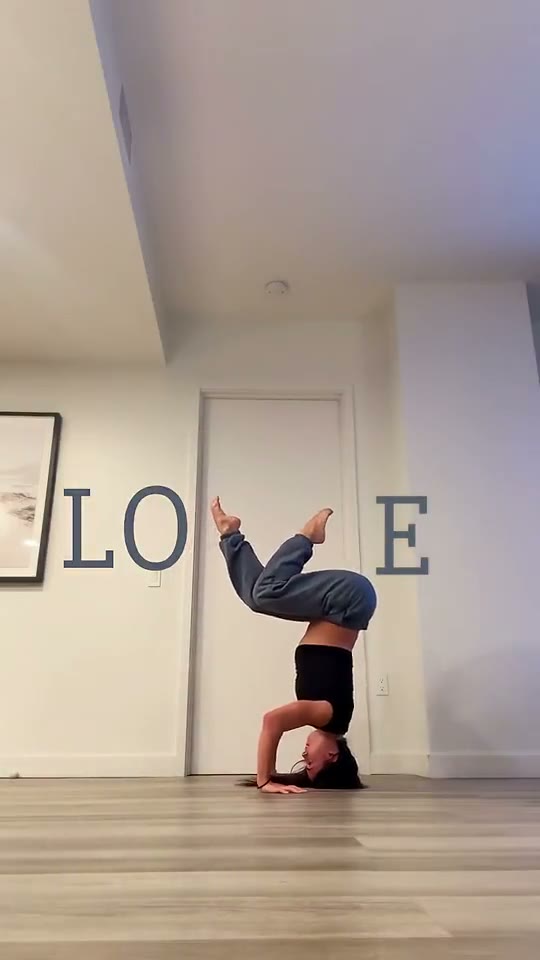
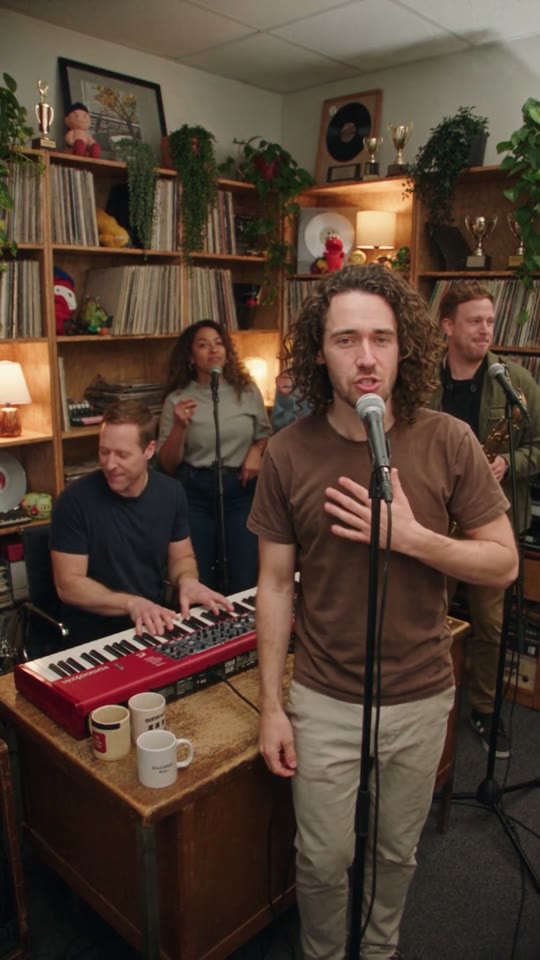
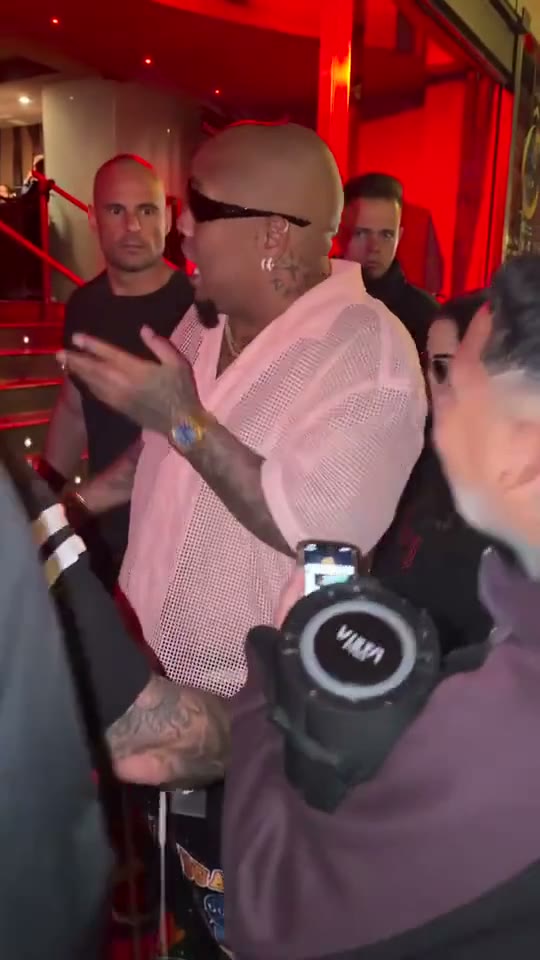
Right now on FavsLab: Oh My Carne Asada, La Mujer del Pelotero Dance and Love Handstand. Dances and well-known memes work best, because viewers recognize the original.
What TikTok trends can I do without dancing?
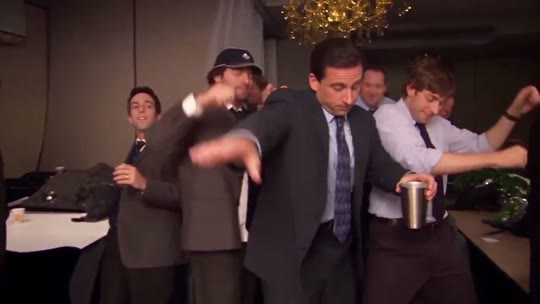
Meme and reaction trends, lip-syncs, pet trends and movie-scene remakes. With AI, a photo also gets you into dance trends.
What's a funny video idea for a friend's birthday?
Put your friend into a trend or meme they love. It takes one clear photo and their OK.
How do I find out which trend a TikTok video is from?
Tap the sound name on the TikTok to see every video using that audio. That's usually the trend.
Is it too late to join a TikTok trend?
Not while new videos keep appearing on the sound page. AI lets you post the same day instead of spending days filming.
How to get a realistic AI video
The photo decides the result: sharp, front-facing and large in the frame.
Use
- One person per photo
- A face turned toward the camera
- Daylight or bright, even light
- Waist up, with the face large in the frame
- The sharpest copy of the photo
Avoid
- Sunglasses, hats and masks
- Heavy filters and beauty effects
- Group photos and screenshots
- Tiny or distant faces
- Dark or blurry photos
- 01
How do I make an AI video of myself look realistic?
Use a sharp, front-facing photo in daylight with the face large in the frame. Most odd results come from small, blurry or angled faces.
- 02
Can I use an old or low-quality photo for an AI video?
Yes, but the video is only as clear as the face. Use the sharpest copy and crop it so the face is large.
- 03
Why do AI dance videos sometimes look weird?
Fast motion, hands over the face and blurry photos confuse AI. FavsLab picks trends with clear moves and refunds videos that fail.
Posting AI videos the right way
Label it honestly and get everyone's permission.
Do I have to label AI-generated videos on TikTok?
Yes. TikTok asks for an AI label on realistic AI content, and Instagram has one too. Turn it on when you post.
Can AI videos get taken down on TikTok?
Unlabeled realistic AI, content that misleads about a real person, or using someone without consent can be removed. Labeled videos of yourself or willing friends are fine.
Is it safe to upload my photo to an AI video app?
Check what happens to your photo, whether you can delete it, and that there's a privacy policy and real support. Only upload photos of people who agreed.
Your face. Any trend.
Catch the trend while it's still climbing.